See SwiftBill in action.
No signup needed. Jump into our live demo and explore every feature — billing, inventory, reports, settings — exactly as your shop would use it.
adminadmin123Data resets every 24 hours. Feel free to test anything.
Desktop
Full experience on laptop or desktop
Mobile Ready
Works on phones and tablets too
Instant Load
PWA with offline capability
A quick tour of SwiftBill
Here's what you'll find when you open the app. Every screen is designed to be simple enough that anyone in your shop can use it.
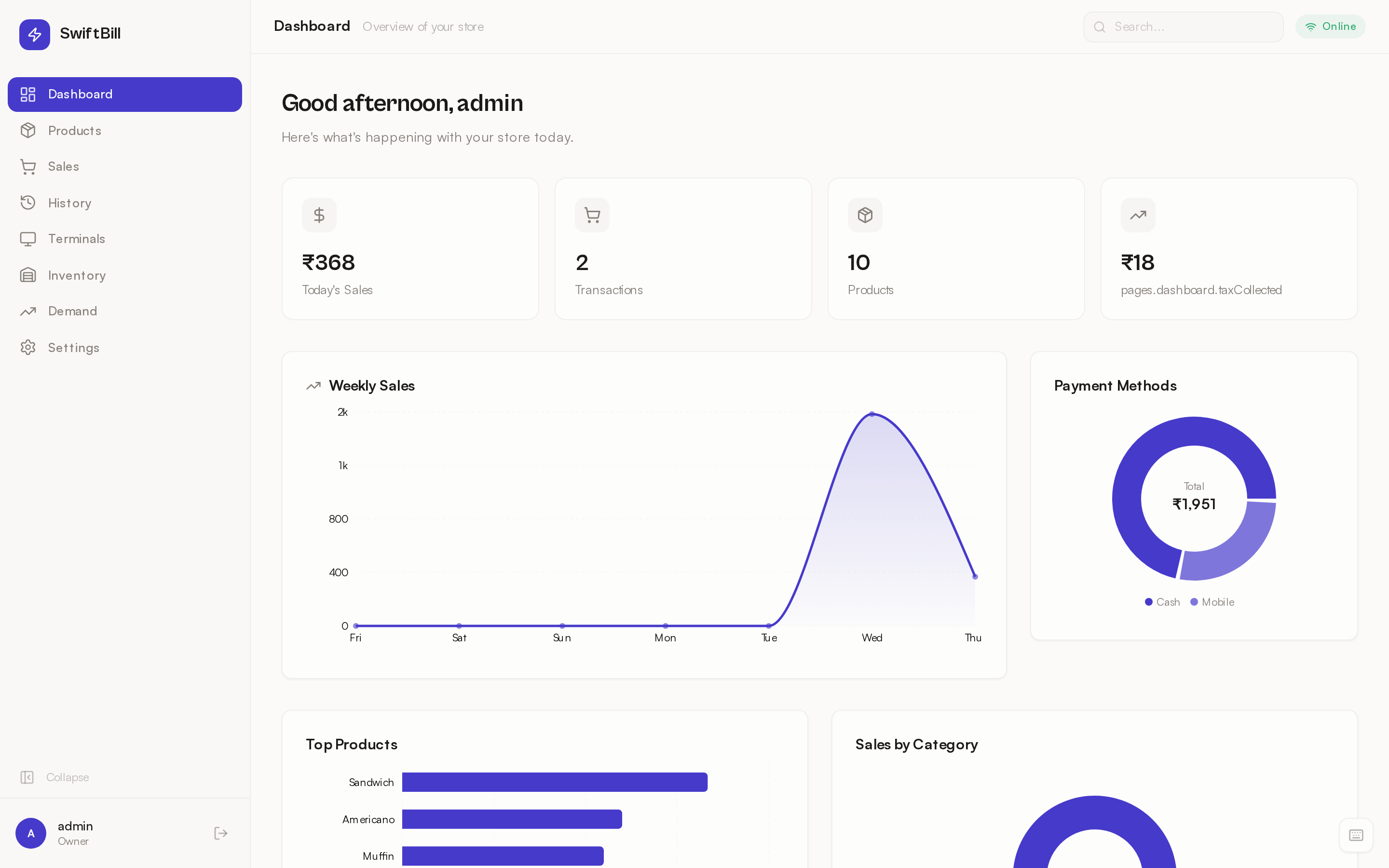
Dashboard at a glance
See today's sales, top products, and quick stats the moment you log in. No digging through menus.
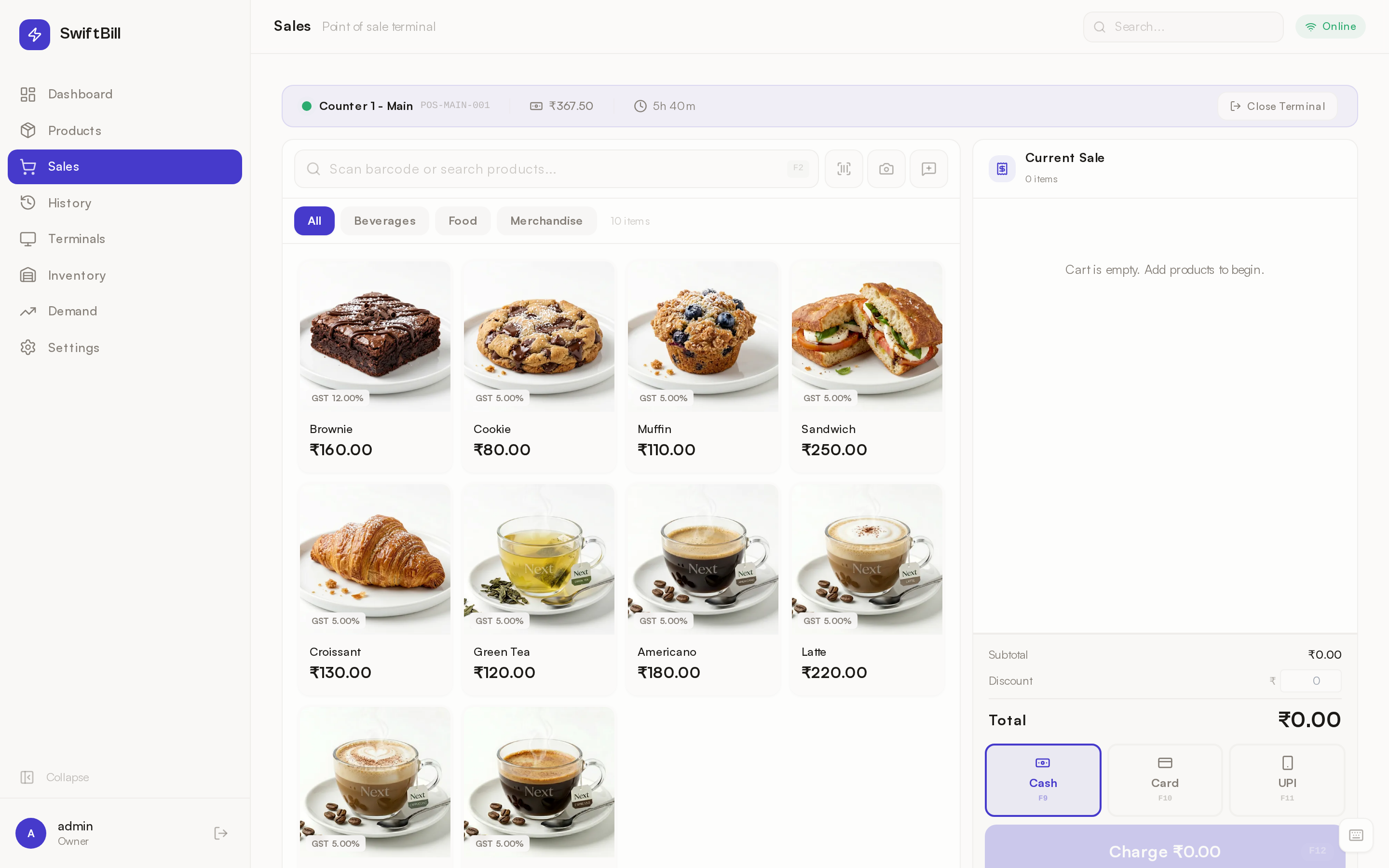
Create bills in seconds
Search products, add to cart, apply discounts, and generate GST-compliant invoices — all from one screen.
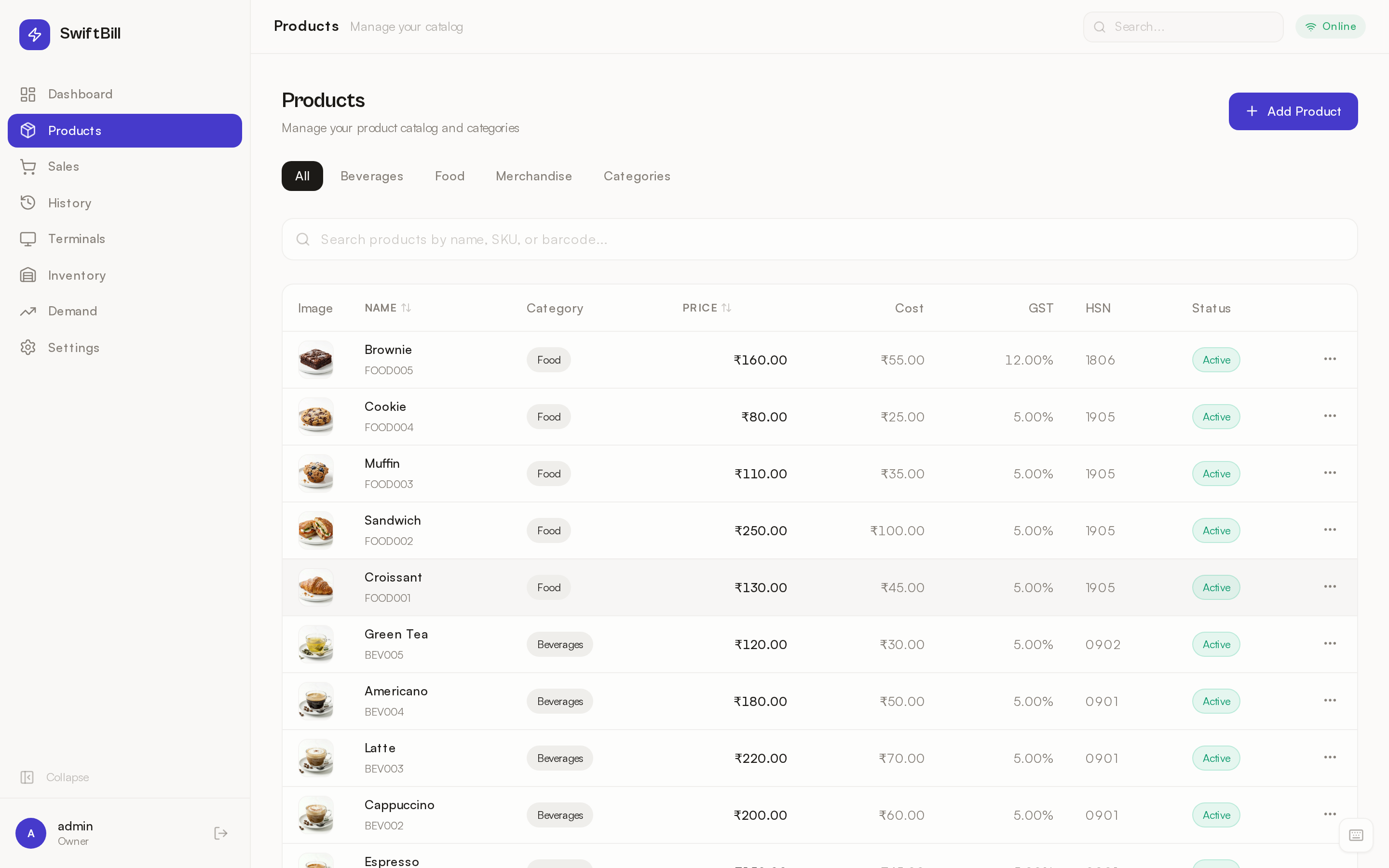
Manage your products
Add products with photos, set prices, track stock levels, and organize with categories. Bulk import supported.
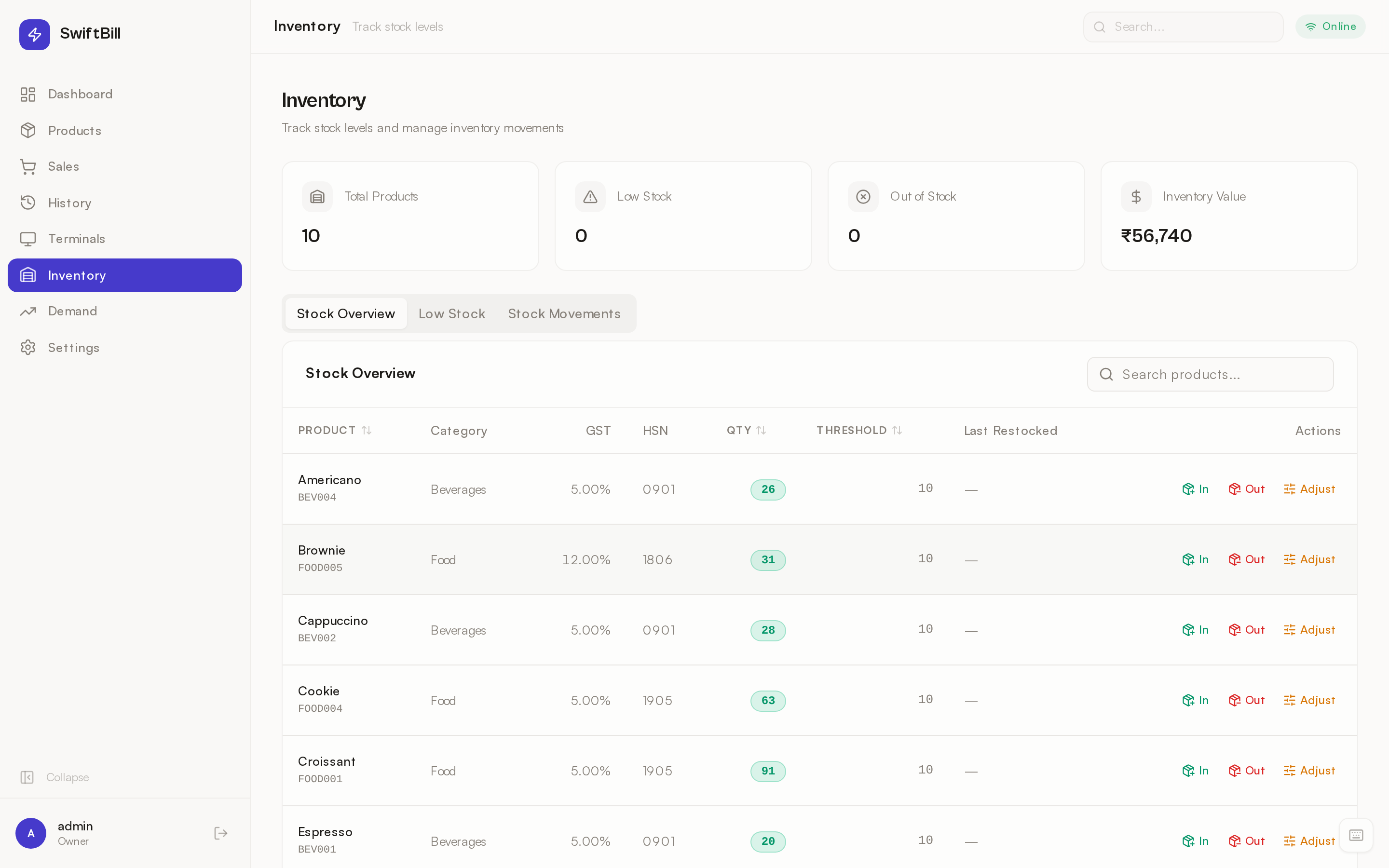
Real-time inventory
Stock updates automatically with every sale. Get low-stock alerts before you run out of your best sellers.
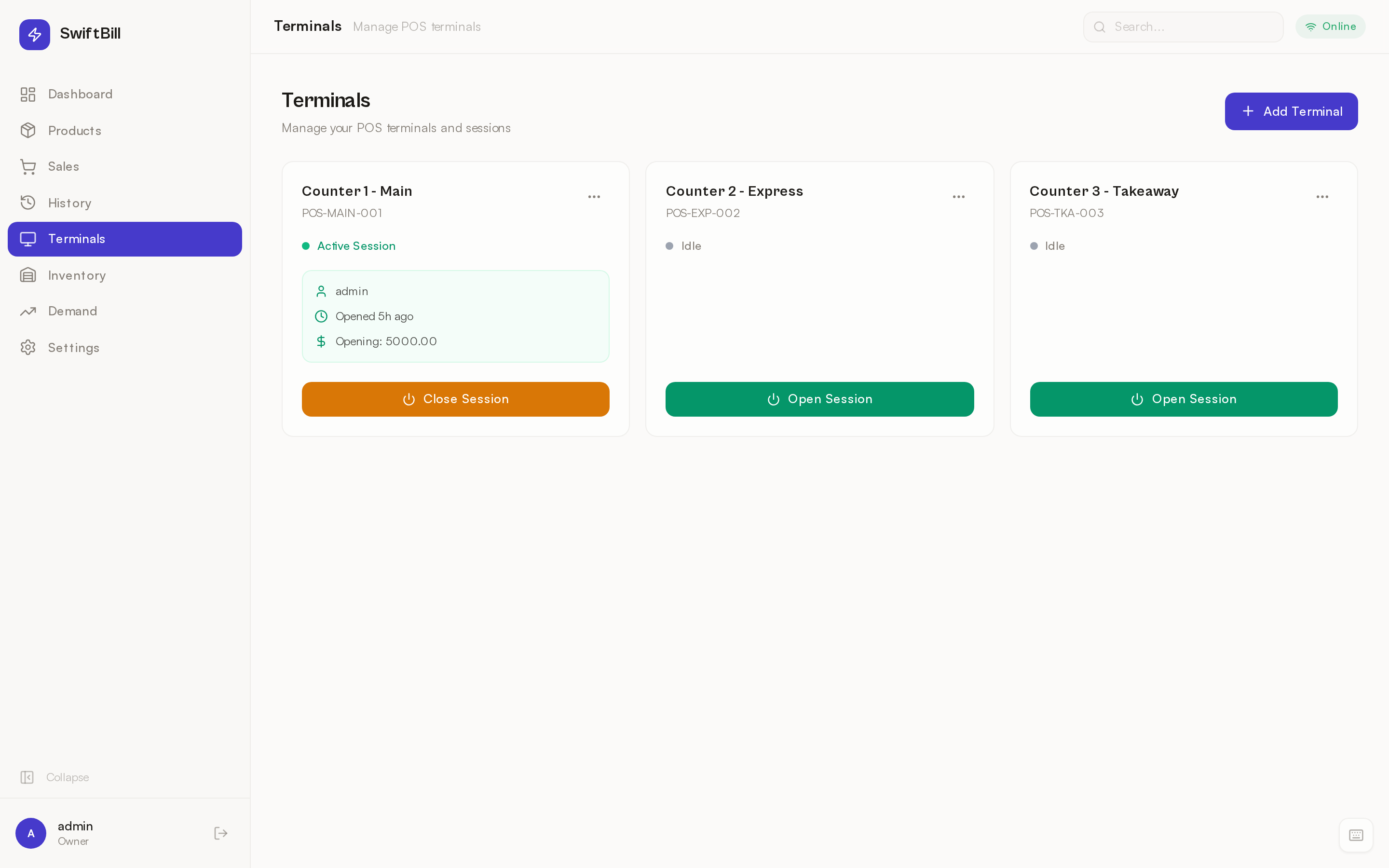
Multi-terminal support
Run multiple billing counters from one account. Perfect for busy shops with more than one cashier.
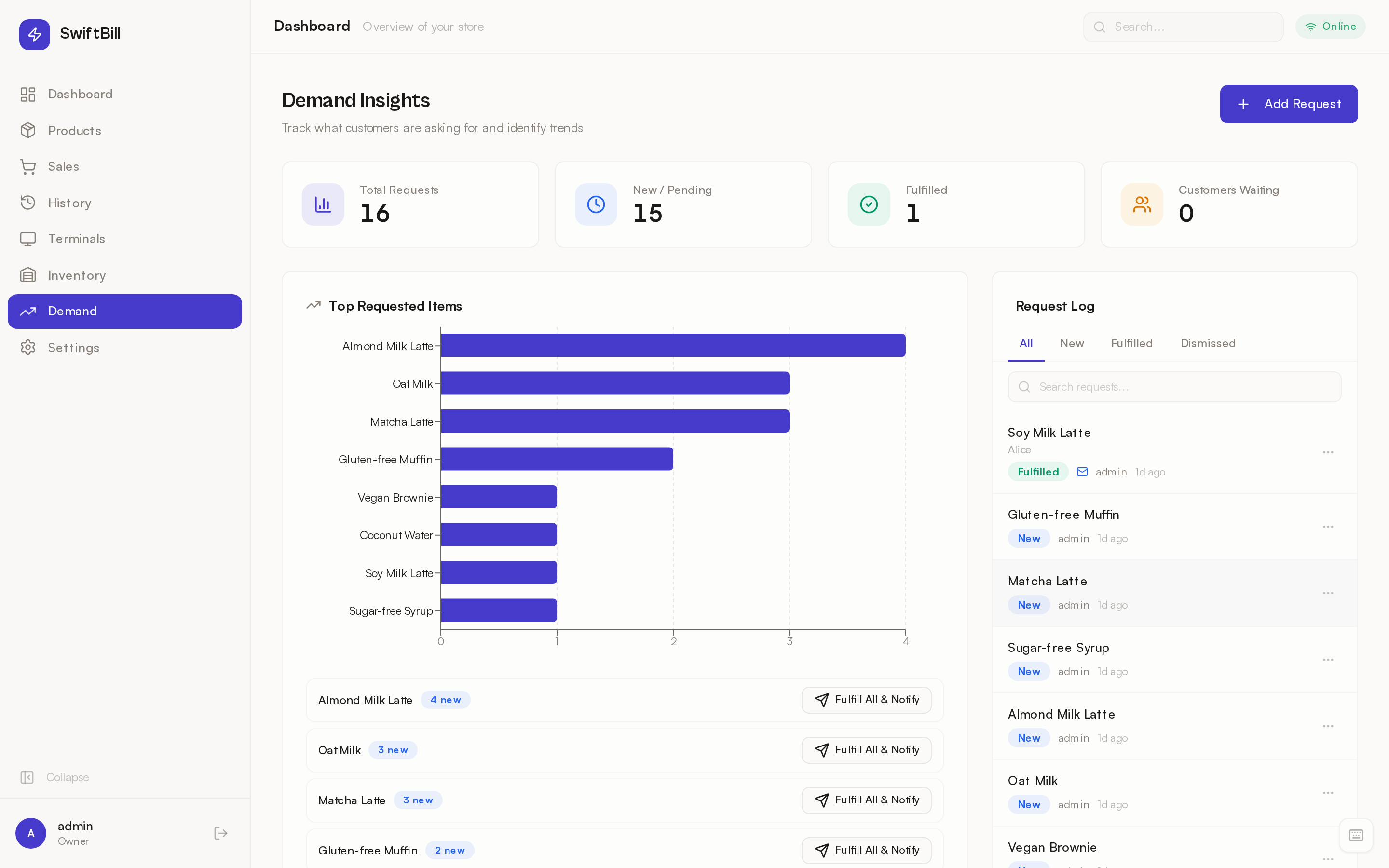
Demand insights
See which products sell most, spot trends, and make smarter purchasing decisions with simple charts.
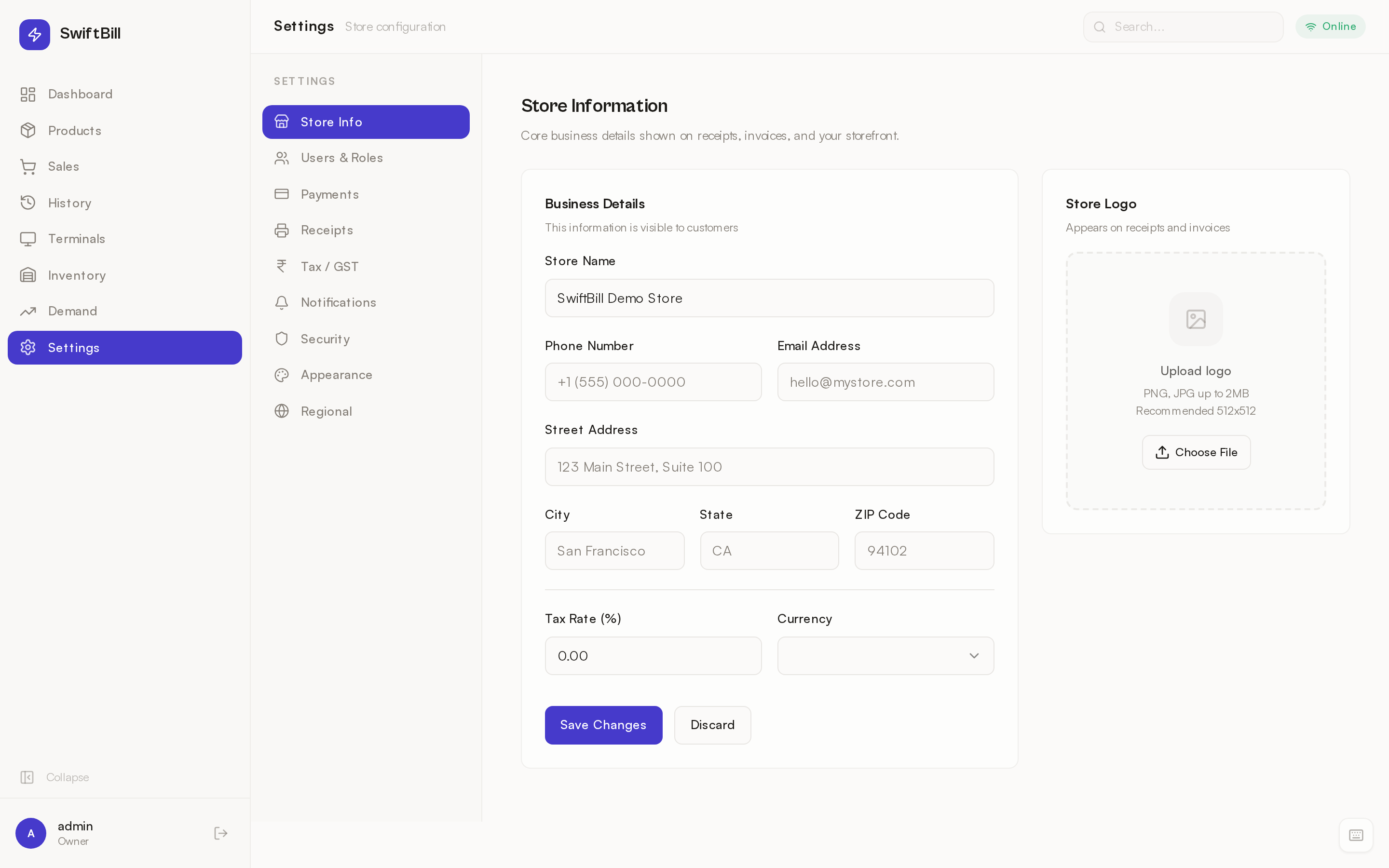
Customize everything
Set up payment methods, taxes, receipt layouts, user roles, and appearance — all from settings.
Ready to try it yourself?
Jump into the live demo right now. No signup, no credit card, no commitments.
Launch Demo